IntentButton
The IntentButton is a dedicated component for sending intents. The IntentButton only works within the AppShell context.
When to use
- To continue a user flow in another Dynatrace app. If multiple apps can handle the intent, an overlay lets users pick which one to open.
When not to use
- To navigate to another page within an app or view. Use Link instead.
- To navigate to an external page. Use ExternalLink instead.
- To trigger actions or events. Use Button instead.


Content guidelines


- App icon (required)
- Intent label (required)
- Three-dot menu (optional)
App icon
- Use the icon of the app that will open the intent.
- Use the app icon as a prefix, not a suffix.
- When the intent redirects to another app, use that app's icon and add a divider to separate it from add-ons.
- For add-ons, use functional icons or no icon.
- Don't combine the intent icon with other functional icons.
Intent label
- Keep it to one to three words.
- Use sentence case (capitalize only the first word and any proper nouns, such as brand names).
- Don't use punctuation (no commas, ellipses, full stops, exclamations, or question marks). This differs from inline text links such as ExternalLink or Link, which can end a sentence with a period.
- Use a consistent structure: [Verb] + [object]. For example: View trace, View host, Add to dashboard, Analyze query results.
- Don't use different verbs for the same action. For example, use "view" consistently instead of "show" or "open".
- Focus on the user's goal and be specific about what will happen.
To check if your label works, complete the sentence: "This will [label]." If it reads naturally, it's a good label. For example, "This will add to dashboard" works, but "This will dashboard" doesn't.


Three-dot menu
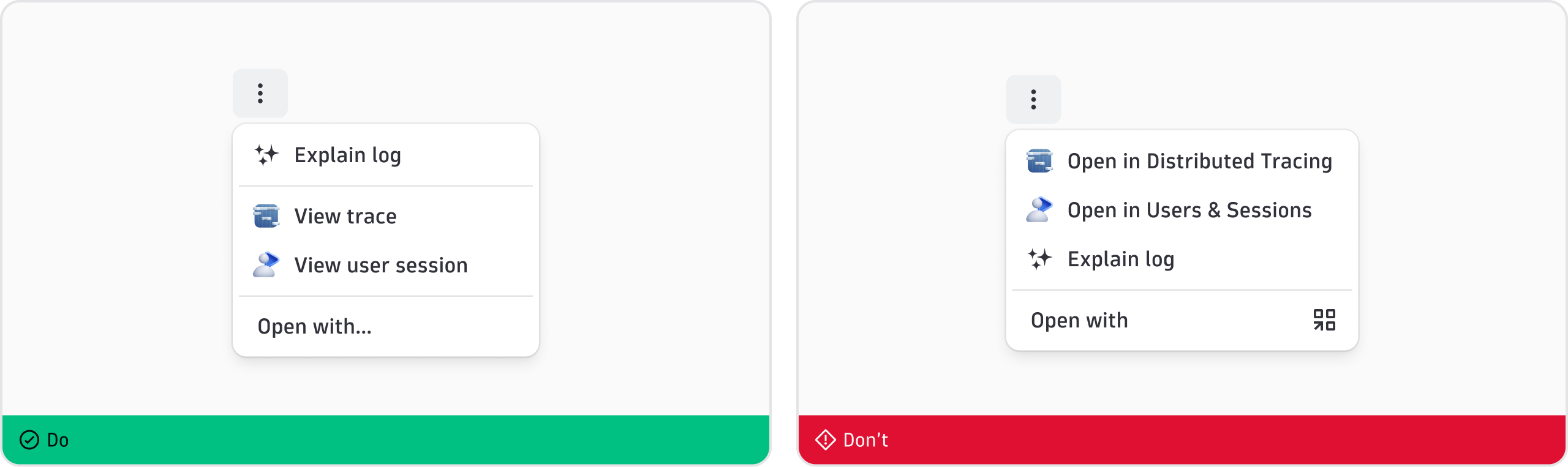
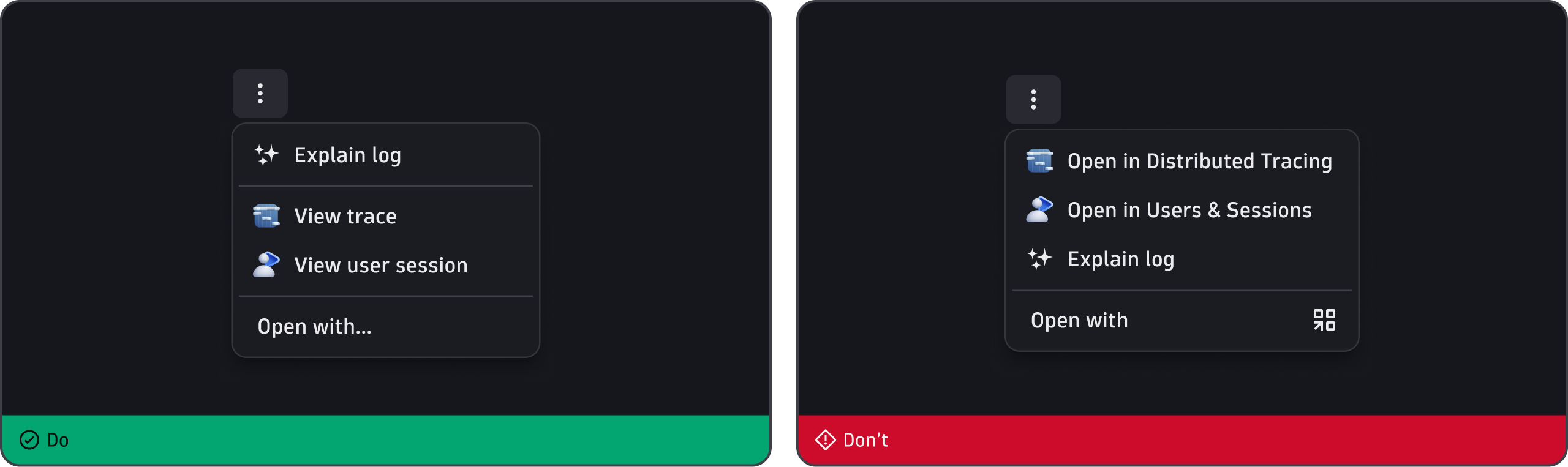
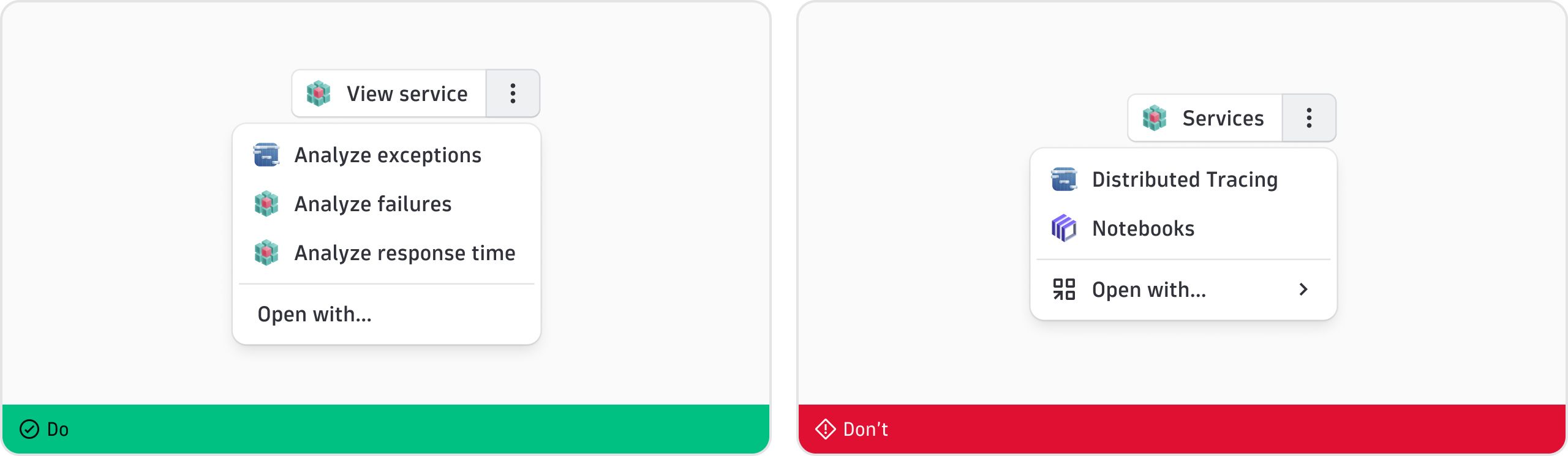
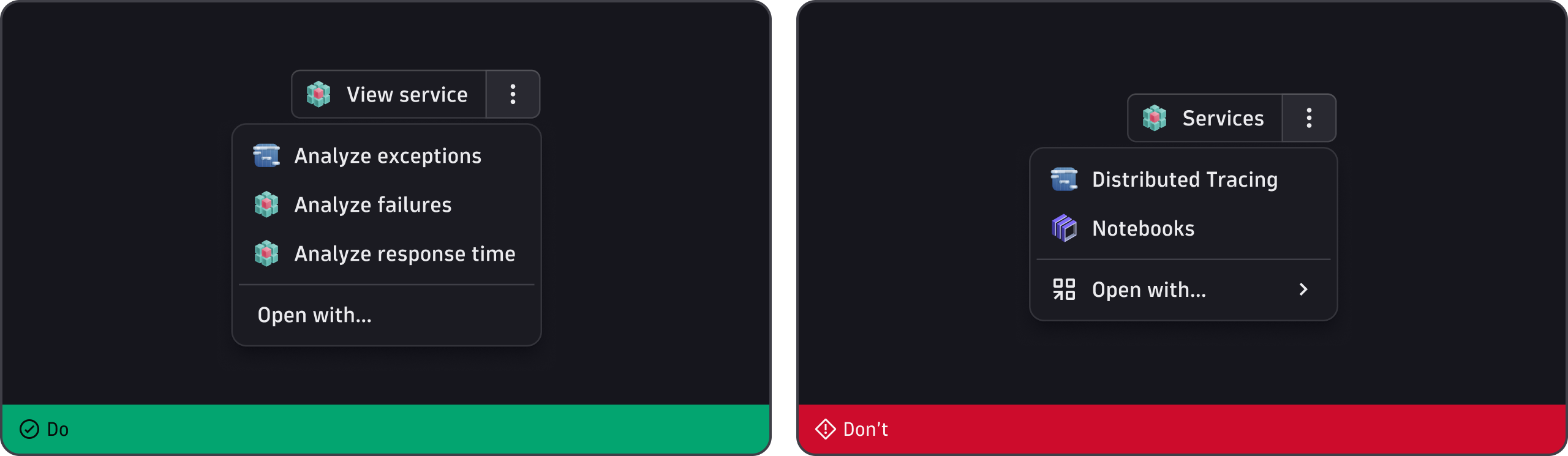
- Use to show multiple options when more than one app can handle the intent.
- Place all intents at the bottom of the menu.
- List each available app as a separate entry, using the same intent label conventions → [Verb] + [object].
- Place "Open with..." (with ellipsis) last. It's the fallback that lets users choose which app handles the intent.