MessageContainer
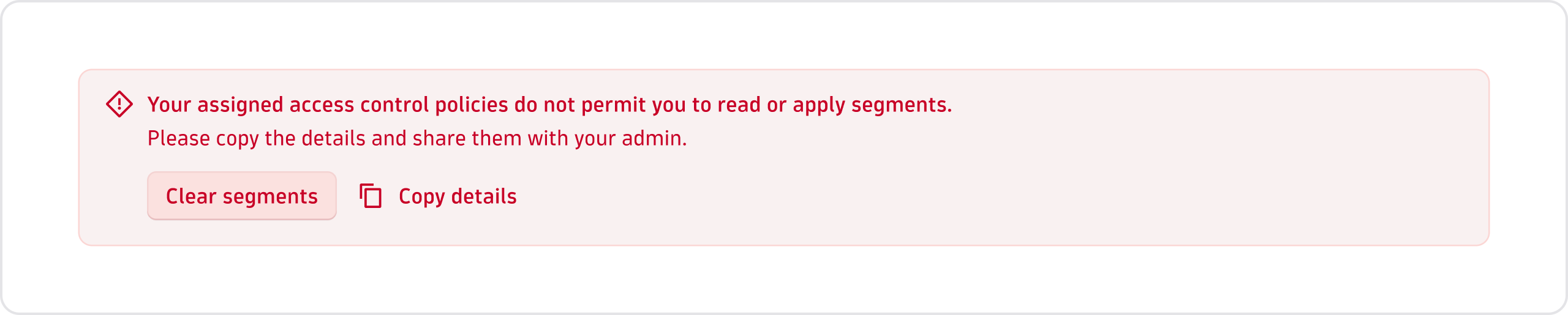
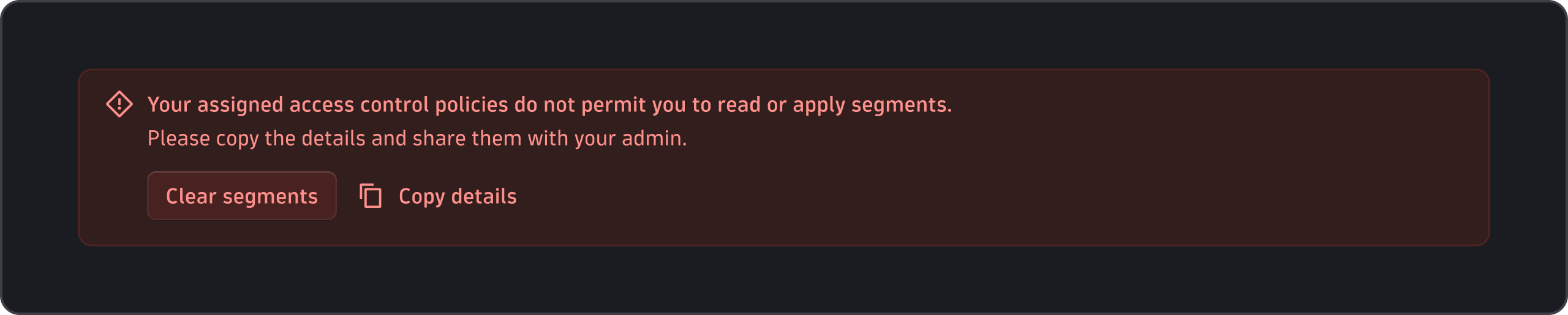
Use the MessageContainer to communicate important contextual information related to the current section or page, such as conditions, statuses, feedback, or changes.
When to use
- To communicate important contextual information related to the current section or page about a condition, status, feedback, or change.
When not to use
- When the message is transient and should disappear automatically after a brief time. Use Toast instead.
Variants
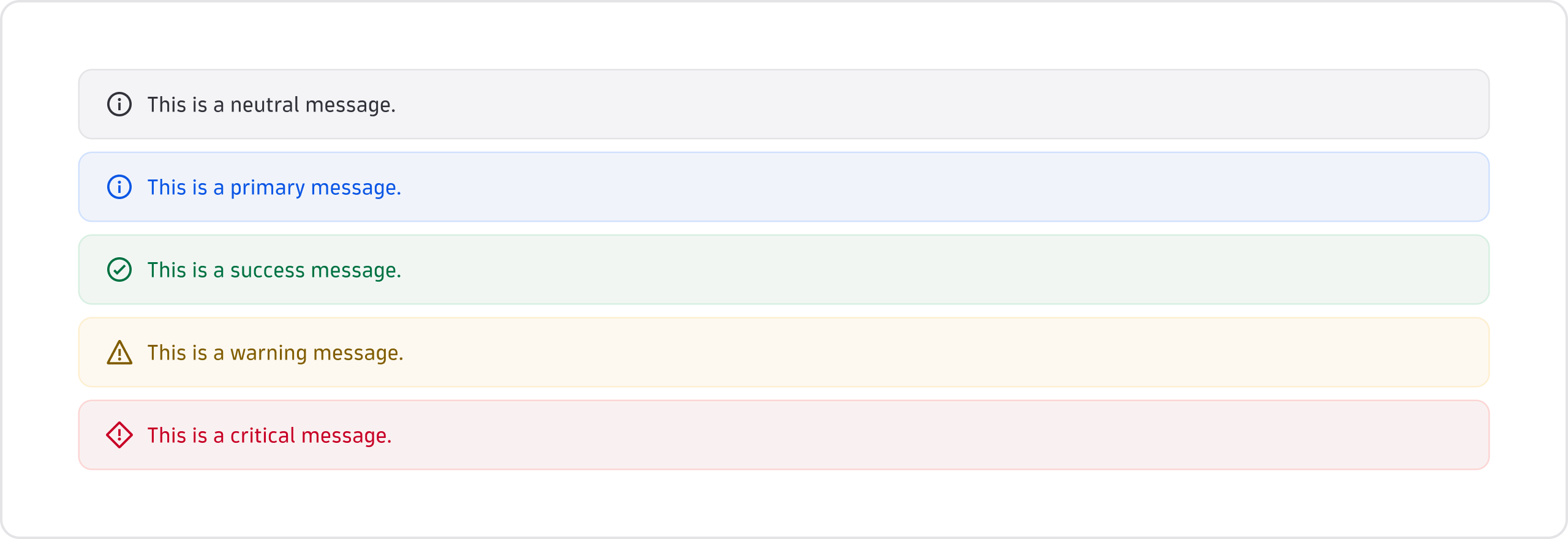
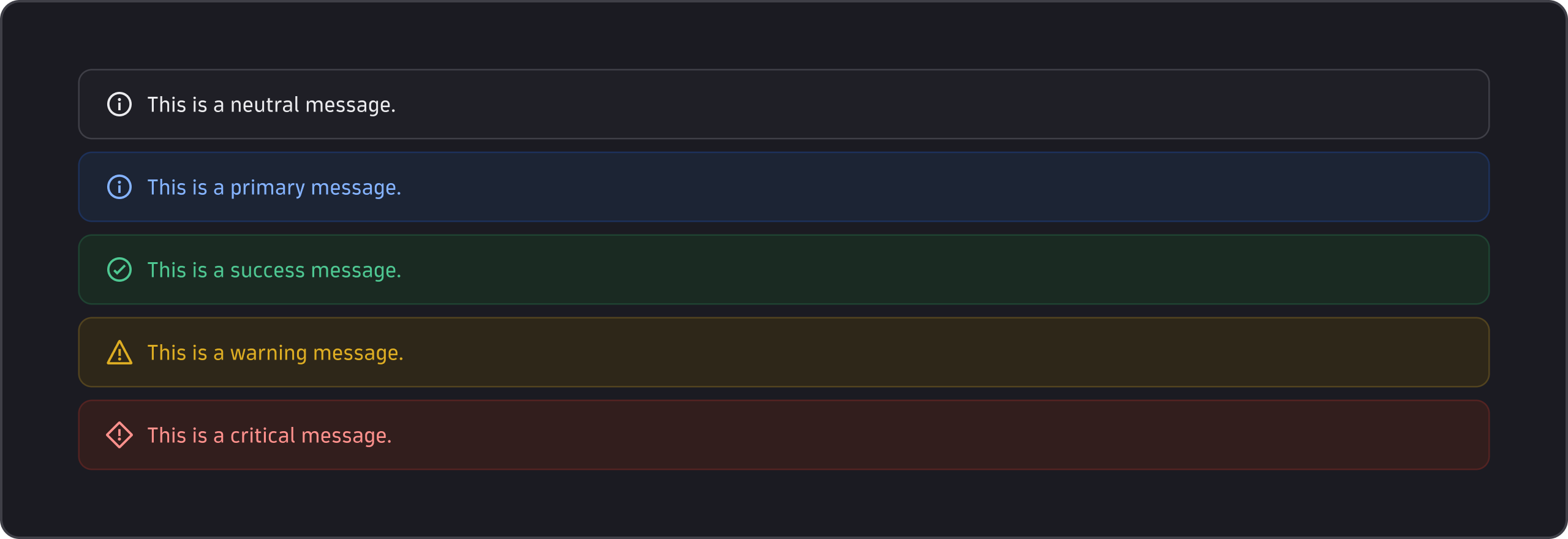
MessageContainer components come in five variants. Each has a different semantic meaning.
Neutral
- Use the neutral variant for information that isn't positive or negative and is non-essential for users to complete their tasks. For example, to provide further context about a feature or section.
Primary
- Use the primary variant to highlight information that shouldn't be missed. For example, to inform about the requirements for a particular feature or to promote a new app version.
- Use the primary variant sparingly, ideally once per page at most.
Success
- Use the success variant to confirm that an action or process has been completed successfully. For example, at the end of a multi-step configuration.
Warning
- Use the warning variant for potential issues or when a critical status is about to be reached. For example, when a cluster has monitoring issues.
Critical
- Use the critical variant for errors, when something went wrong, or for issues that require immediate attention. For example, a failed process that can lead to negative consequences or a validation error summary.
See the best practices in Status and health for more detail.
Dismissible
- Use dismissible
MessageContainercomponents if the information doesn't have to be addressed by users to continue their current task. For example, when promoting a new version of an app. - Don't use dismissible
MessageContainercomponents if the information they contain is essential and dismissing it would leave users confused or stuck in their task. For example, when informing about a problem that needs to be resolved. - Hide the
MessageContainerif the situation is resolved or the information becomes irrelevant. Don't wait until users hide it if it's dismissible. - Consider storing that users have dismissed a
MessageContainerand avoid showing it again.


Content guidelines
- Prefix (required)
- Title (optional)
- Details (required)
- Actions (optional)
Prefix
- Use the prefix, which is usually an icon, to communicate the semantic meaning of the message quickly.
- Don't use colored
MessageContainercomponents without a prefix if quick recognition of the semantic meaning is needed. - The prefix comes with pre-configured icons for the different
MessageContainervariants. If you customize the prefix because a different icon better fits your use case, follow the Status and health guidelines.


Title
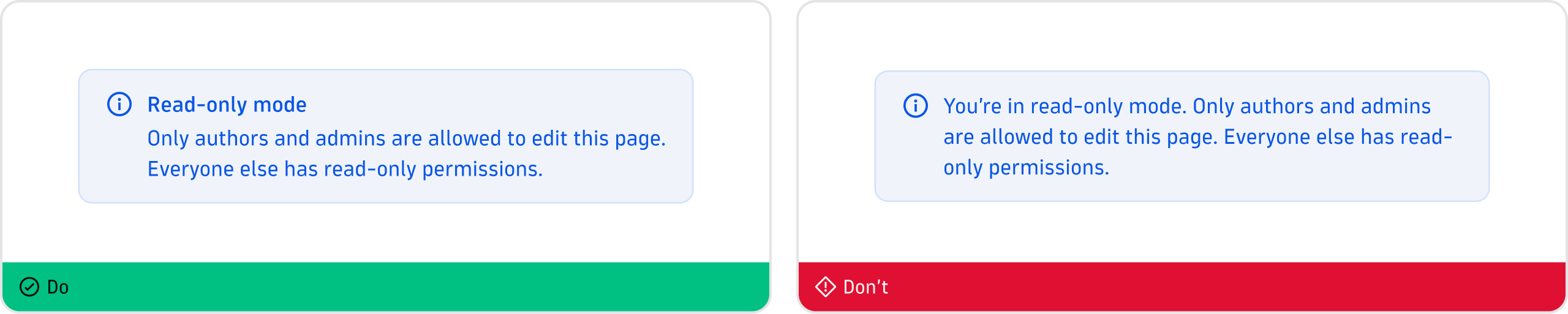
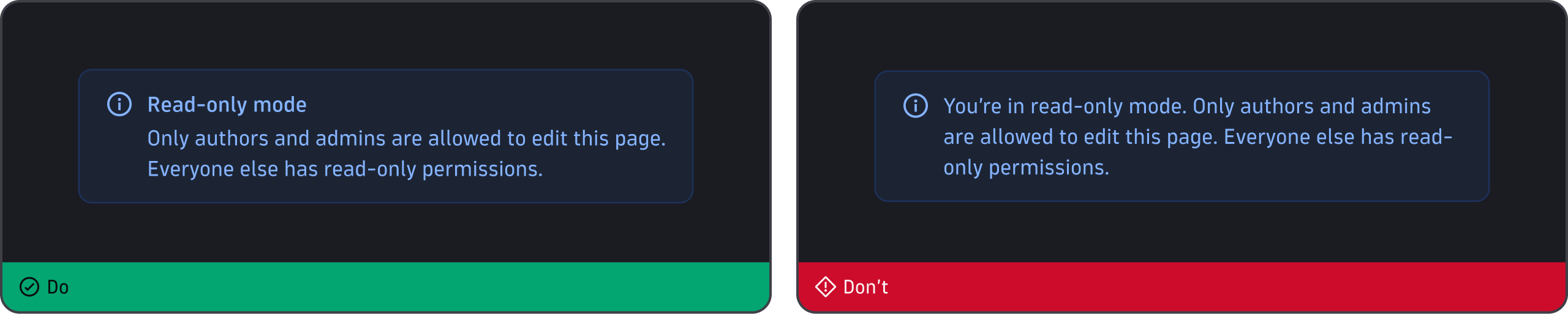
- If the message is long or complex, add a title and a description to the
MessageContainer. This helps users quickly understand what the message is about when scanning the page.
Details
- When the message is short, clear, and easy to understand, avoid adding a title.


Actions
- If possible, include actions that either help users resolve the situation or navigate them to more detailed information.
- Avoid including more than two actions.