Microguide
Use the Microguide to guide users through features or functionality in small steps, supporting onboarding of new users and the introduction of new features.
When to use
- When onboarding new users to your app's core features.
- When introducing existing users to new, larger features or pages.
- For concepts or features that aren't immediately intuitive or discoverable.
- To surface functionality that's intentionally kept out of the main UI.
When not to use
- For functionality that's straightforward enough to grasp without guidance.
- To fix poor UI design. A microguide complements clear design, it doesn't replace it.
- When spotlighting a single UI element. Use FeatureHighlight instead.
Behavior
- Trigger an introductory microguide automatically the first time a user opens your app. When it's closed, use FeatureHighlight to show users where they can reopen it.
- Let users dismiss or skip the guidance. It is meant to be non-intrusive and optional.
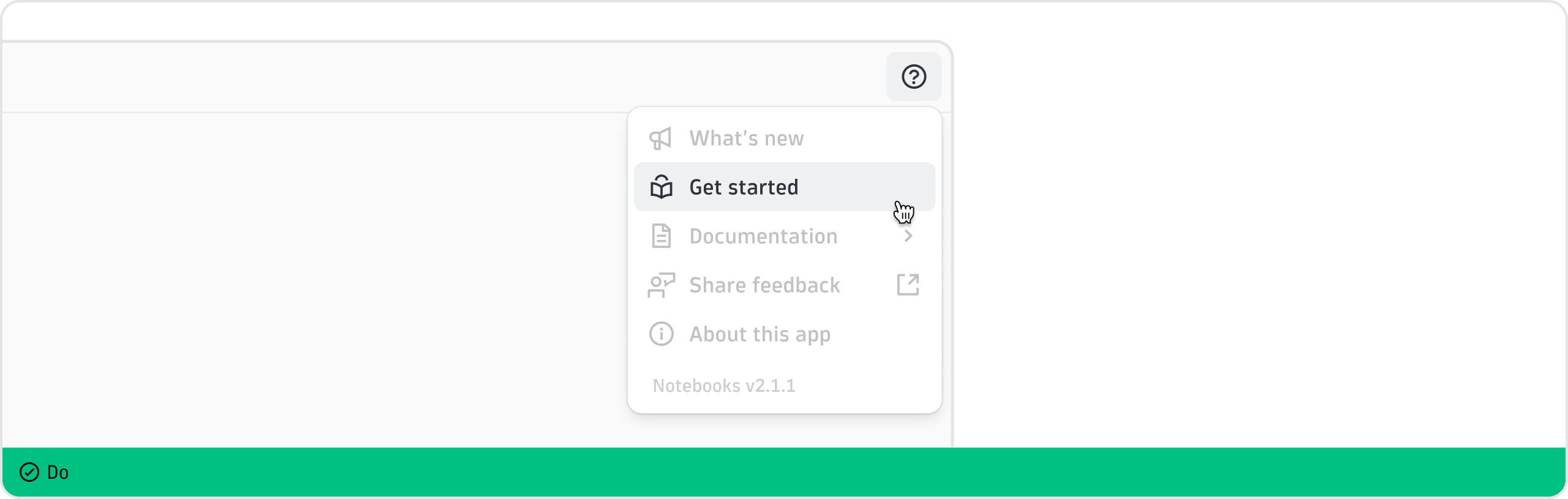
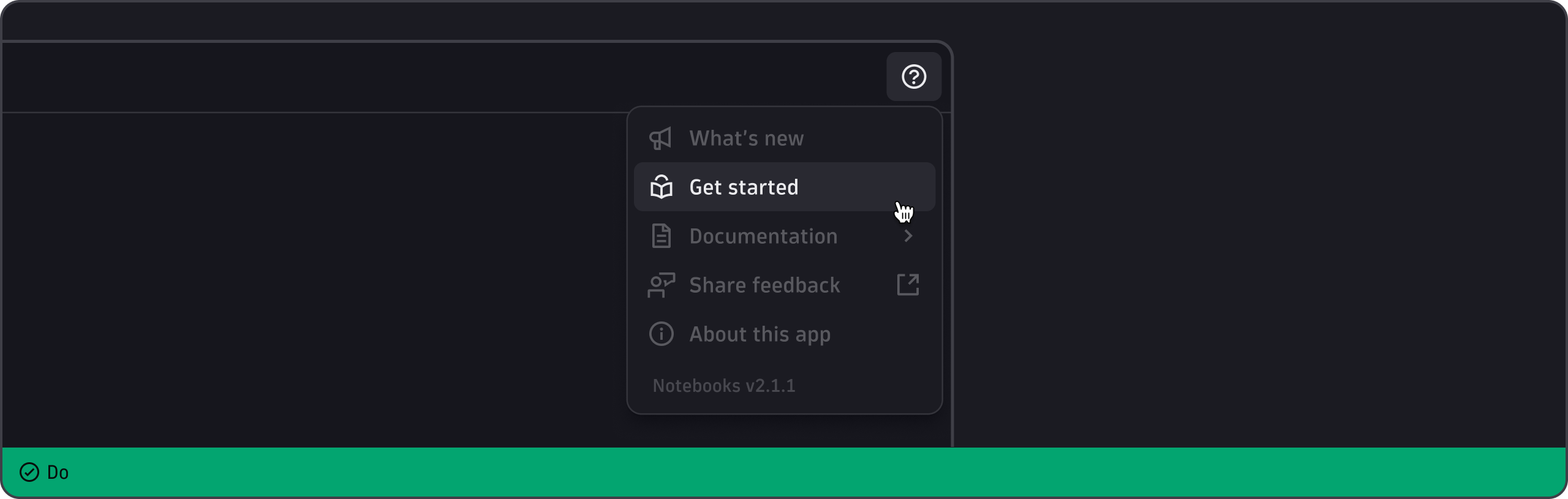
- Let users revisit microguides from the "Get started" option in the app help menu.
Content guidelines
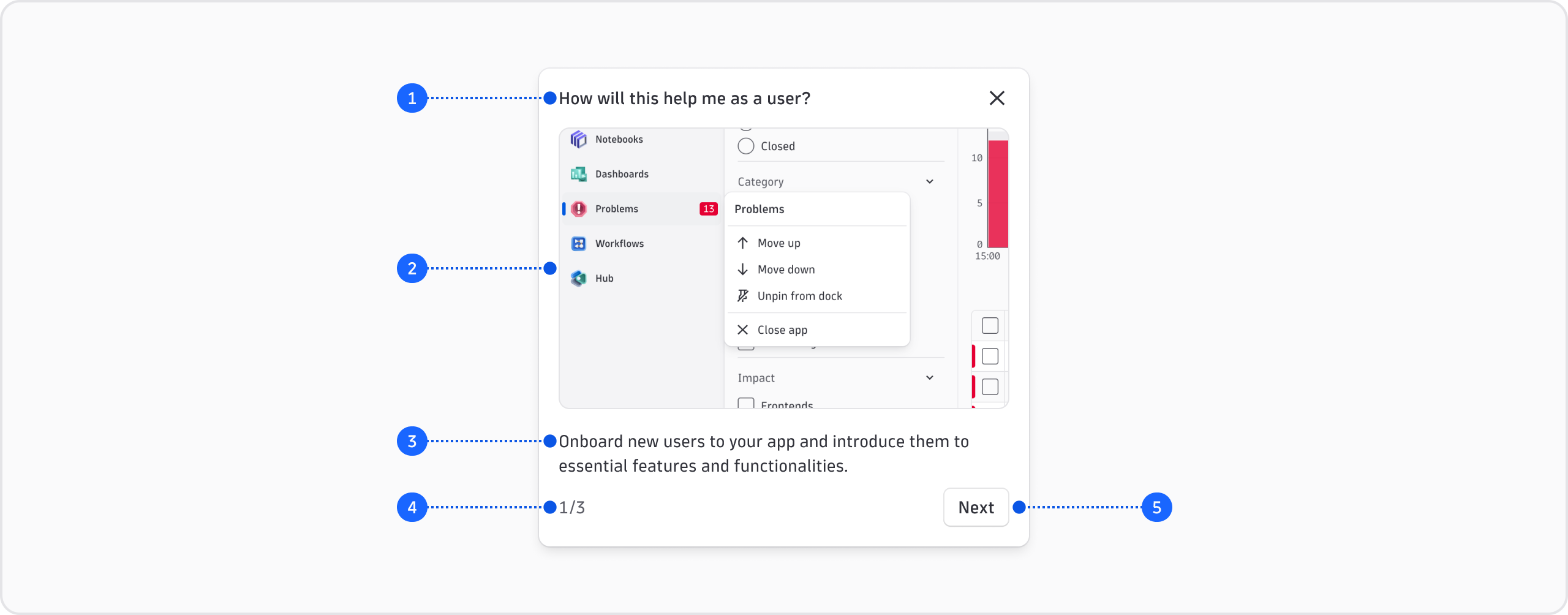
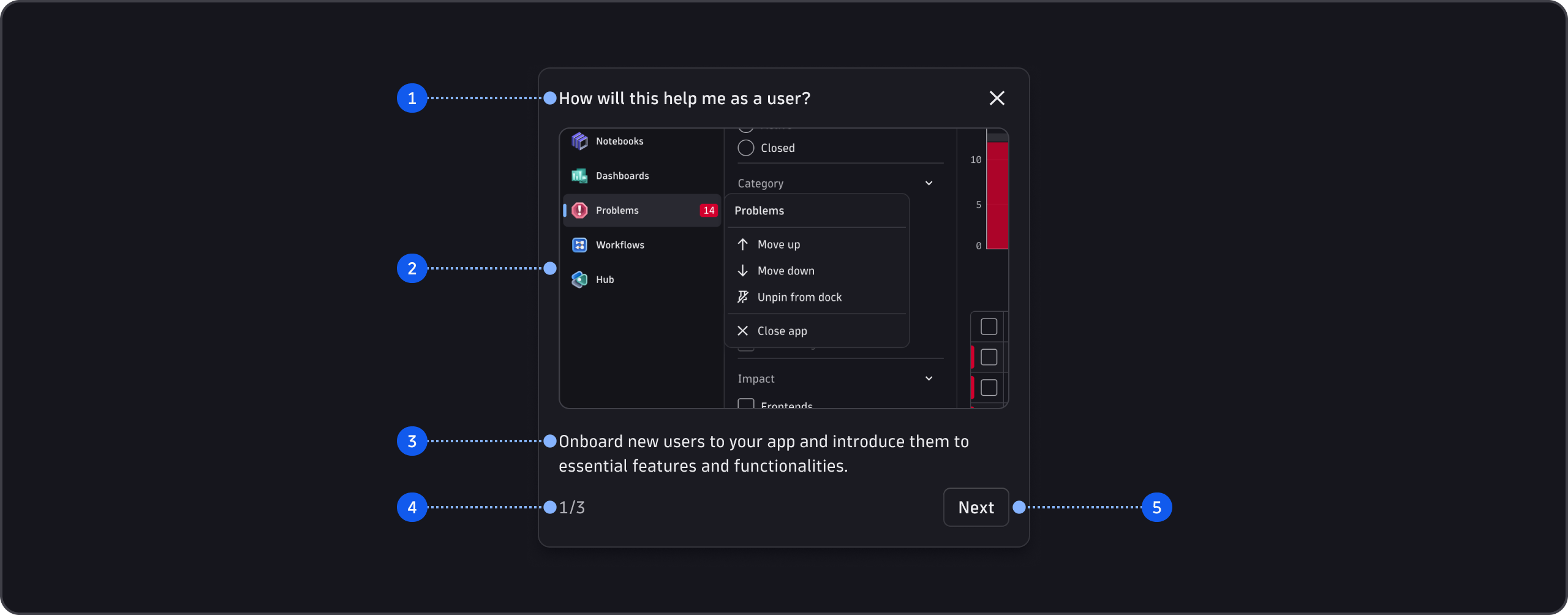
- Title (required)
- Visual (optional)
- Content (optional)
- Step count (required and included with multiple steps)
- Actions (required and included)
General guidelines
- Use sentence case throughout (capitalize only the first word and any proper nouns, such as brand names).
- Keep to a maximum of five steps. Review each step and remove any that don't add value.
- Use clear language and avoid jargon or technical terms that could confuse new users. If you must include a technical term, link to a reference.
Title
- Describe the most important concept or action in the step.
- Use an action verb for task-focused steps. For example, "Filter your results".
- Keep it concise.
- Don't use a period.
Visual
- Make sure any visuals you add are clear and legible. Use high-quality images or GIFs that are crisp and legible at the scale of the microguide.
- Crop images to show the specific element or action you're explaining. Don't shrink a full-page screenshot to fit.
- Make sure the visual reflects the body text, and vice versa.
- Test visuals with users at actual size to confirm they're clear.
- Don't include a visual unless it adds value.
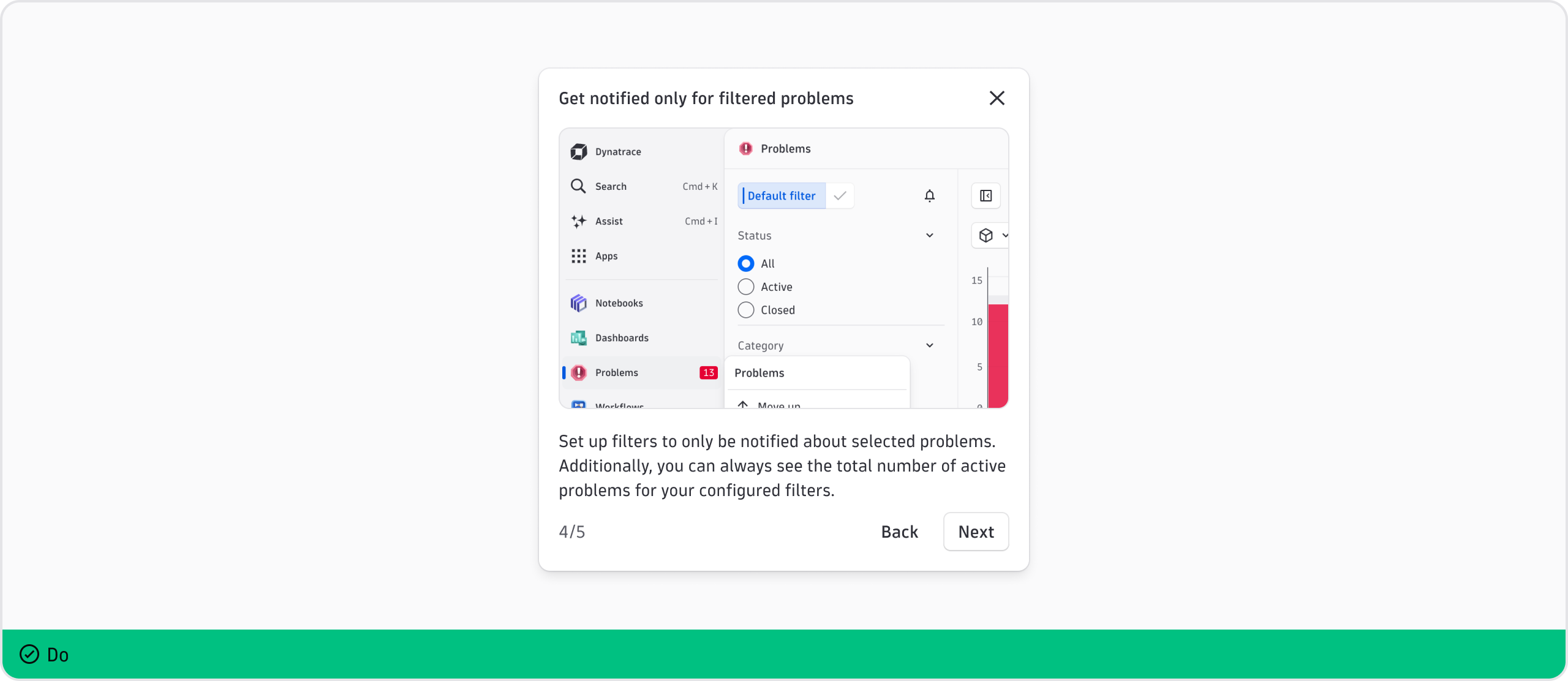
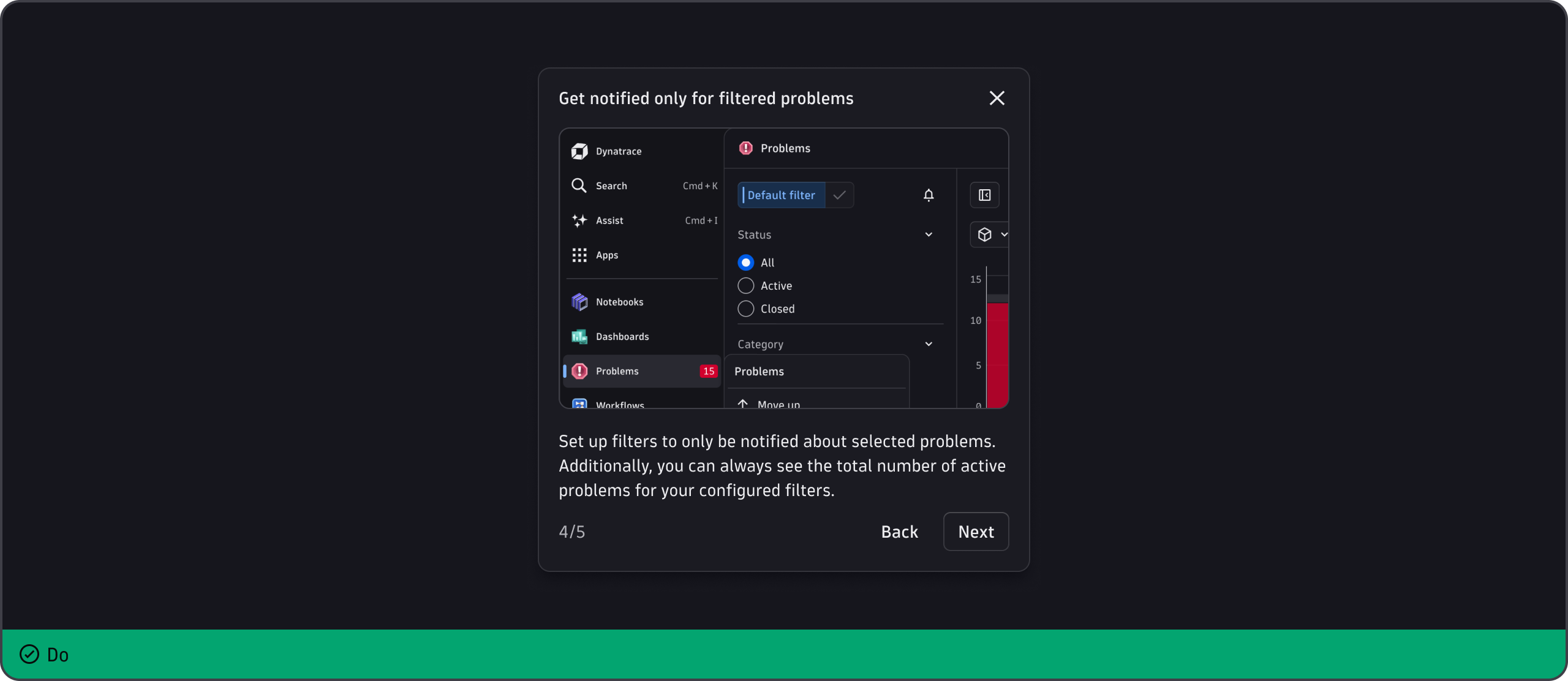
Content
- Give only the essential information about the concept, feature, or functionality.
- Keep it to a maximum of two sentences. Remove any words that don't change the meaning.
- End every sentence with a period.
- When you add a link, place it at the end of the content so it doesn't break the reading flow. Link to documentation when users may want to go deeper.
Step count
- The step count is provided out of the box if you define multiple steps.
Actions
- A "Got it" button is included for single-step microguides. It closes the microguide.
- Multi-step microguides include the navigation buttons "Back" and "Next", plus the "Got it" button at the end.