FilterBar
Use the FilterBar to let users filter datasets using one or more filter controls, such as text inputs, selects, and other form elements.
When to use
- For simple filter statements with a small set of criteria.
- To let users quickly filter content using form components such as TextInput and Select components.
When not to use
- When users need advanced filtering with logical or comparison operators. Use FilterField instead.
Filter controls
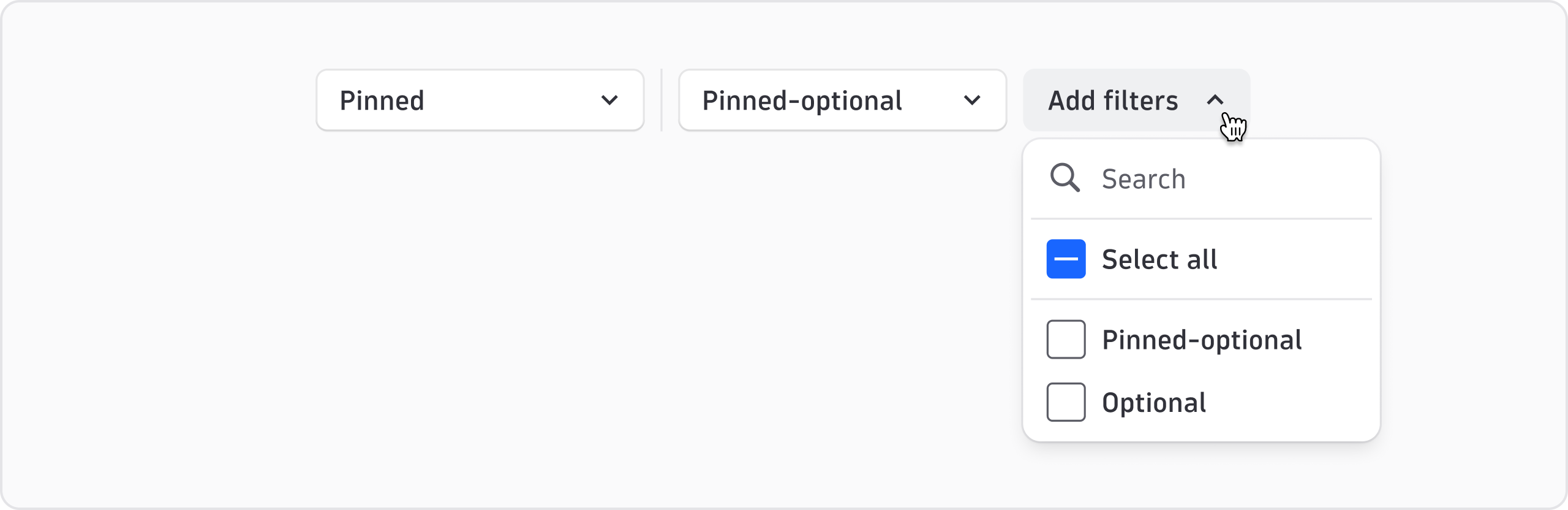
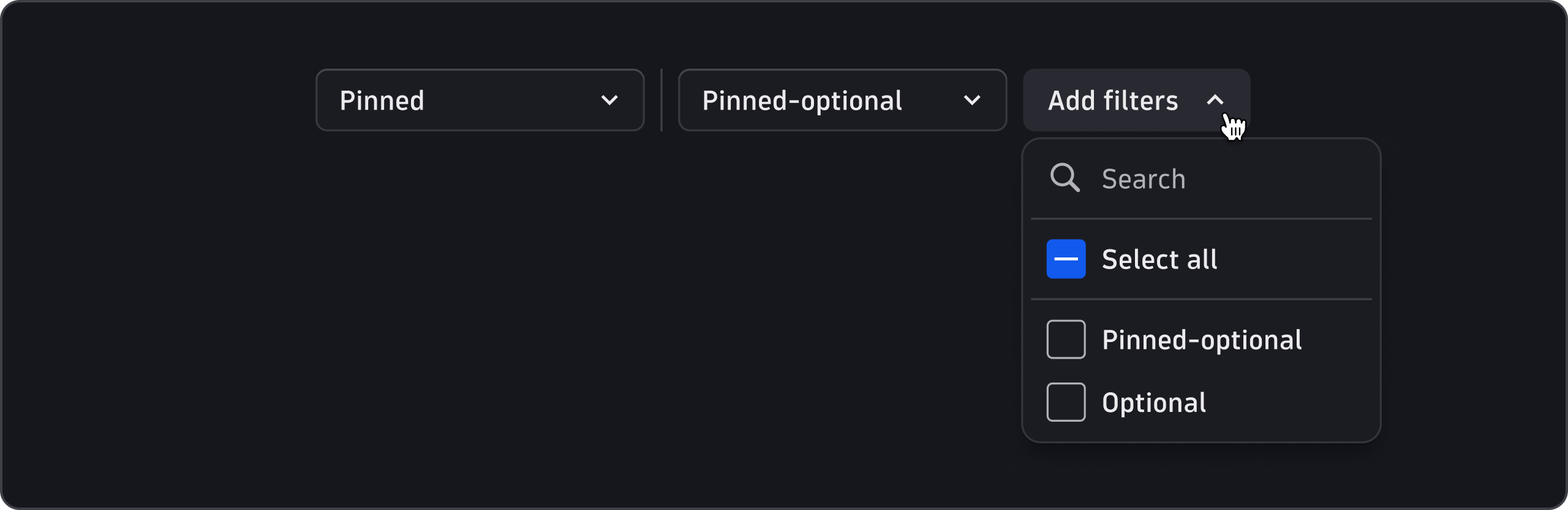
Configure filter controls in FilterBar to be pinned, optional, or pinned-optional.
Pinned
- Pinned filter controls are always visible and can't be removed.
- Use pinned for controls relevant to most users regardless of the task they want to perform. For example, use pinned for a keyword search.
Optional
- Optional filter controls are hidden by default. Users can enable them in the Add filters dropdown.
- Use optional controls for advanced filters or complementary controls. Hiding them by default saves space and avoids overwhelming users.
Pinned-optional
- Pinned-optional filter controls are visible by default. Users can hide them in the Add filters dropdown.
- Use pinned-optional for controls where user needs vary by task or persona, but provide a good set of defaults.
Use of TimeframeSelector
If you use TimeframeSelector as a filter control in FilterBar, pin it so it's always visible.