Radio
Use the Radio to let users select one option from a small group of mutually exclusive choices. The choices are presented so users can compare all options at once.
When to use
- When users need to select exactly one option from a small set of mutually exclusive choices.
- When all options should be visible at once so users can compare them before choosing.
When not to use
- When users can select more than one option. Use Checkbox instead.
- When there are more than four options. Use Select instead.
- When users need to toggle a setting on and off. Use Switch instead.
- To filter content or switch between different visual representations on a page. Use ToggleButtonGroup instead.
Position
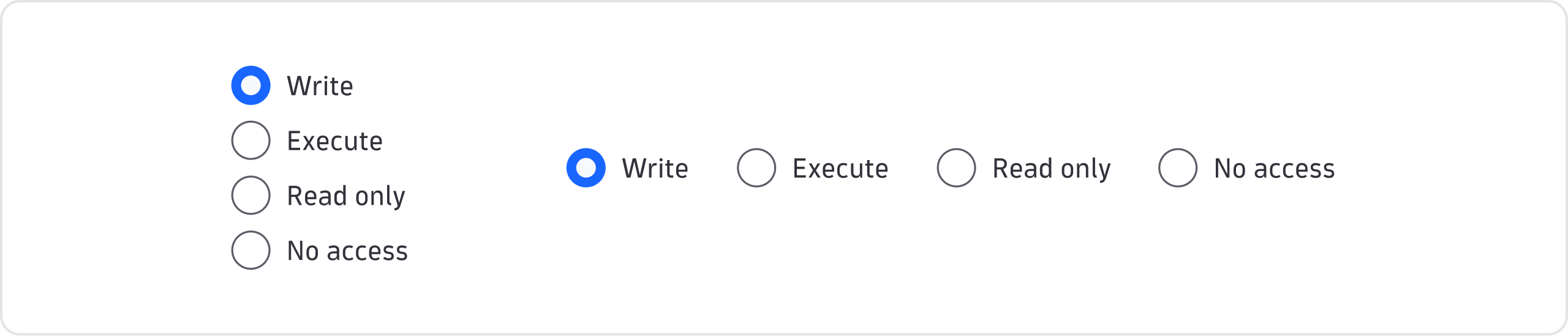
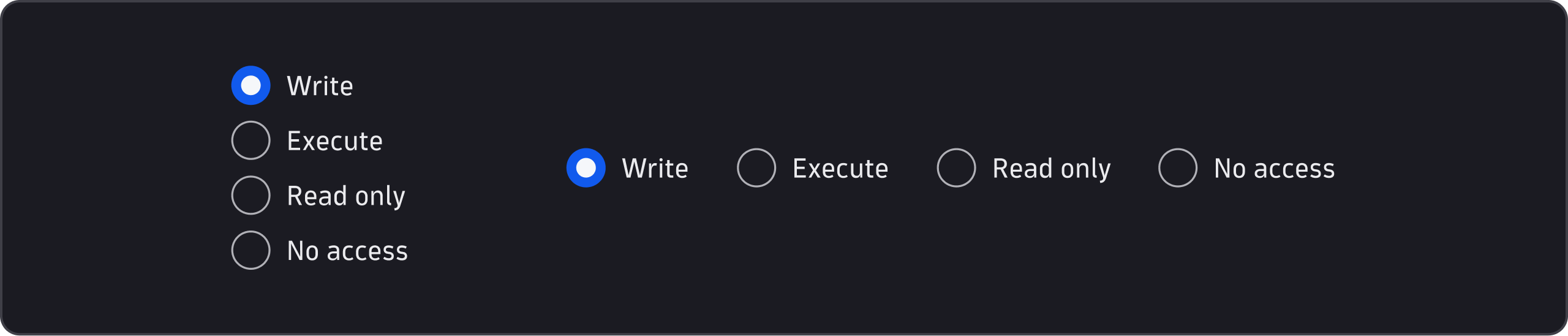
Vertical
- Use vertical alignment in most instances. It's suitable for responsive layouts, when you offer a relatively large number of options, or when vertical alignment stays consistent within a certain context, such as within a form.
Horizontal
- If you need a horizontal layout, avoid wrapping options into a new line.

