Modal
The Modal component lets you show important, additional content in an overlay.
When to use
- When users need to confirm critical actions or acknowledge key information.
- For short, focused tasks that are part of what the user is already doing, such as sharing a document.
- To show additional details or previews that are relevant to the user's current task, but don't fit on the main page.
When not to use
- For tasks that can happen directly on the main page without the need for a separate, focused step.
- For information that can be shown in a simpler, less disruptive way. Consider using InformationOverlay instead.
- For complex forms or large amounts of information. Use a dedicated page instead.
- For temporary messages or notifications. Use Toast instead.
Content guidelines
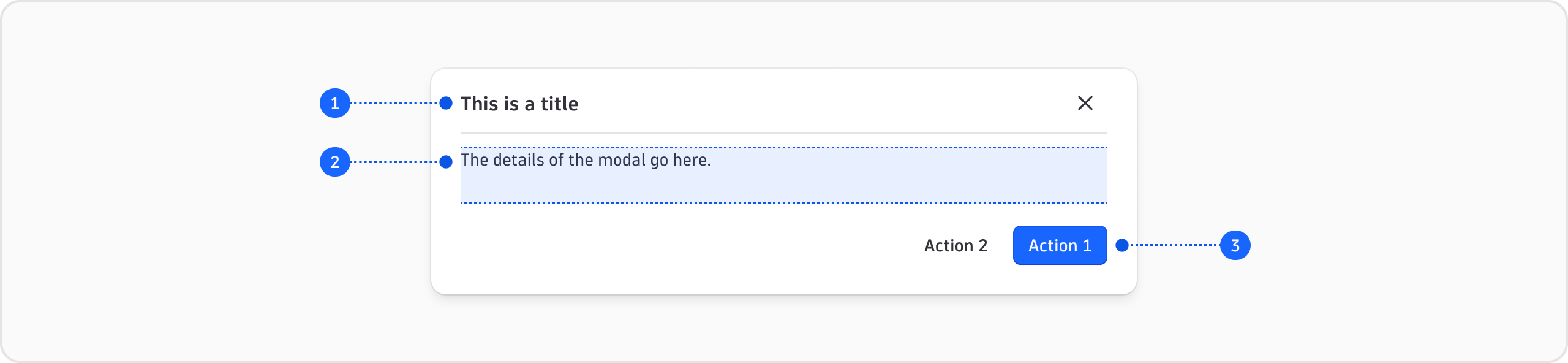

- Title (required)
- Details (required)
- Actions (optional)
General guidelines
- Use sentence case (capitalize only the first word and any proper nouns, such as brand names).
- Don't use exclamation marks.
- Don't format file names (no quotation marks, parentheses, bold, italics, or all caps).
Title
- Don't use end punctuation in titles (no periods, exclamation marks, or question marks).
Details
- Punctuate any sentences with a period at the end.
- For confirmation-type modals: Use a full sentence to explain the impact of the action.
Actions
Some modals include actions for the user to complete.
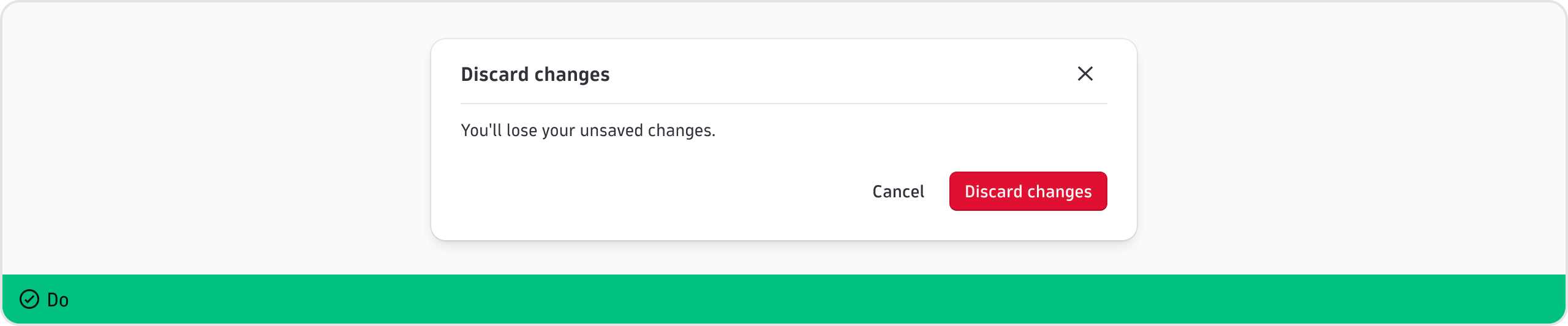
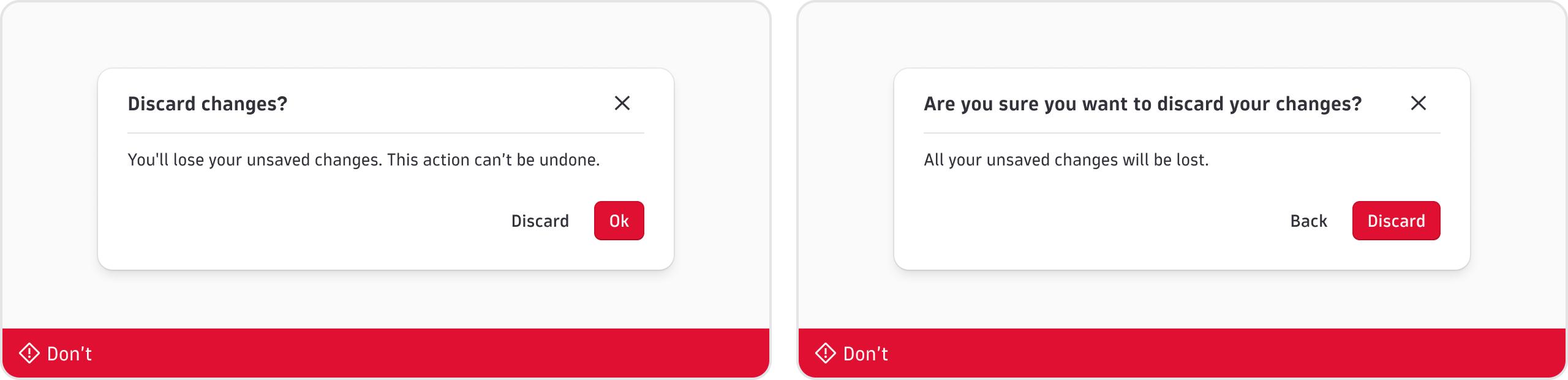
- For confirmation-type modals, the words in the confirmation button should mirror key words in the title. Example: if the title is "Discard changes", write "Discard changes" in the confirmation button as well. If the title is "Delete File123", the confirmation button would say "Delete".
Confirmation modals
Below are reusable texts for confirmation-type modals. Replace the words in brackets [] with the item, file, or owner name for your use case. For example: "Delete [item/file name]" could become "Delete notebook123".
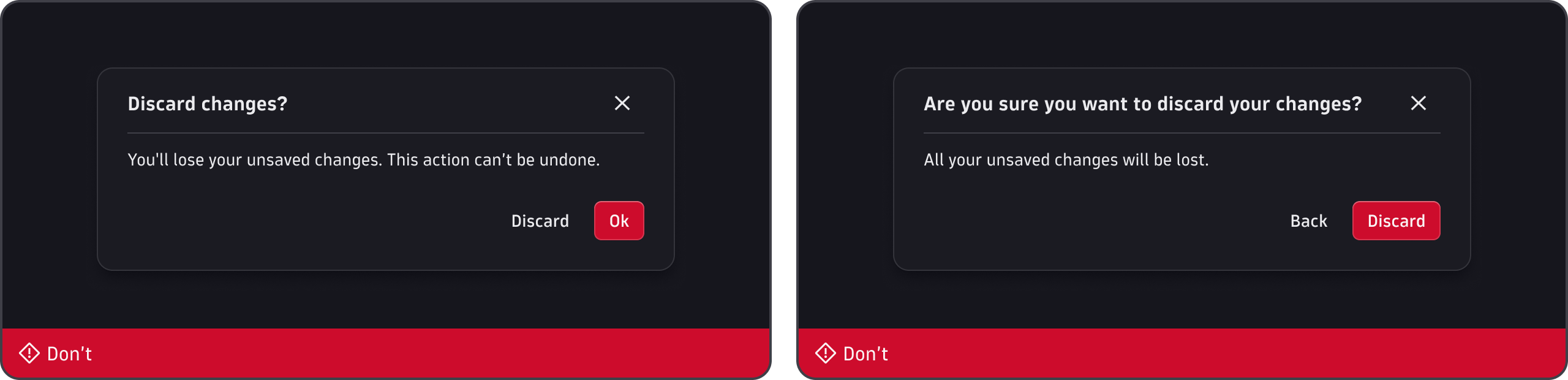
Discard changes

Delete permanently
![Reusable Modal text for deleting an item: title "Delete [item/file name]", details "You're about to permanently delete [item/file name]", and actions "Cancel" and "Delete".](/assets/images/modal-content-3-light-366ffcb026e4d1460b968d8160ea1c87.webp#light-mode-only)
![Reusable Modal text for deleting an item: title "Delete [item/file name]", details "You're about to permanently delete [item/file name]", and actions "Cancel" and "Delete".](/assets/images/modal-content-3-dark-1c6de0da91ee74b540cf7720d899cc37.webp#dark-mode-only)
![Two incorrect Modal texts for deleting an item: one with a generic "Confirm" action, and one with the wordy title "Are you sure you want to delete [item/file name]?".](/assets/images/modal-content-4-light-f214fd121d7d78fee2b836d9d5da48a0.webp#light-mode-only)
![Two incorrect Modal texts for deleting an item: one with a generic "Confirm" action, and one with the wordy title "Are you sure you want to delete [item/file name]?".](/assets/images/modal-content-4-dark-2067dce38dae5aa546e8780a0c9e718d.webp#dark-mode-only)
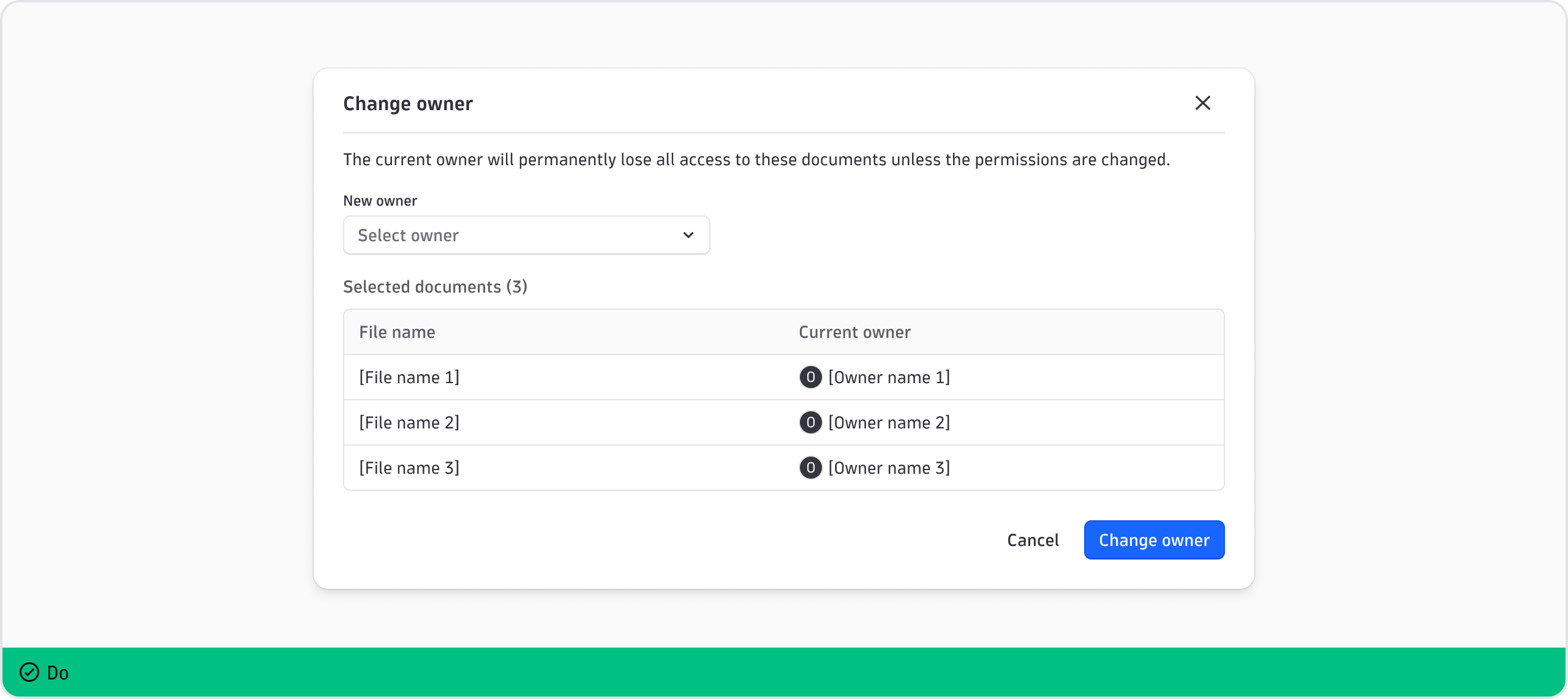
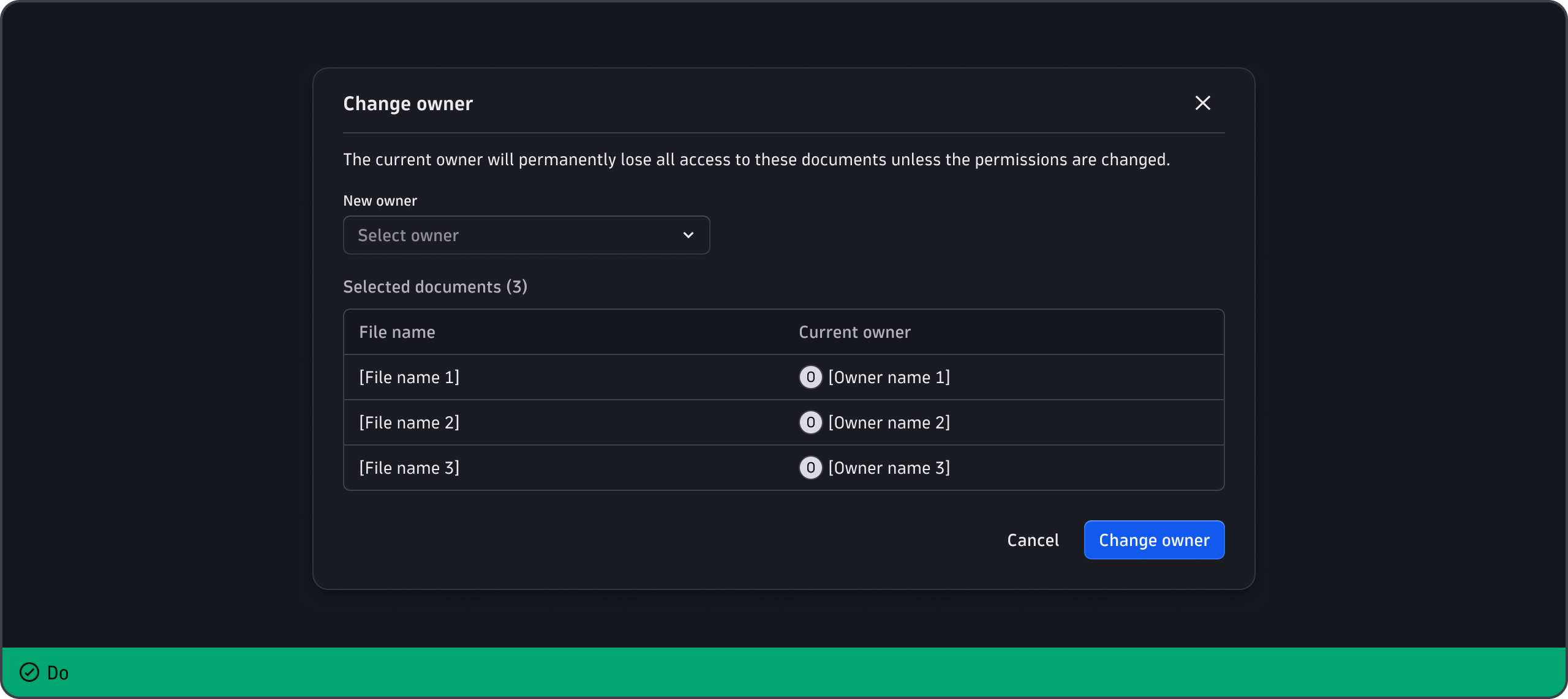
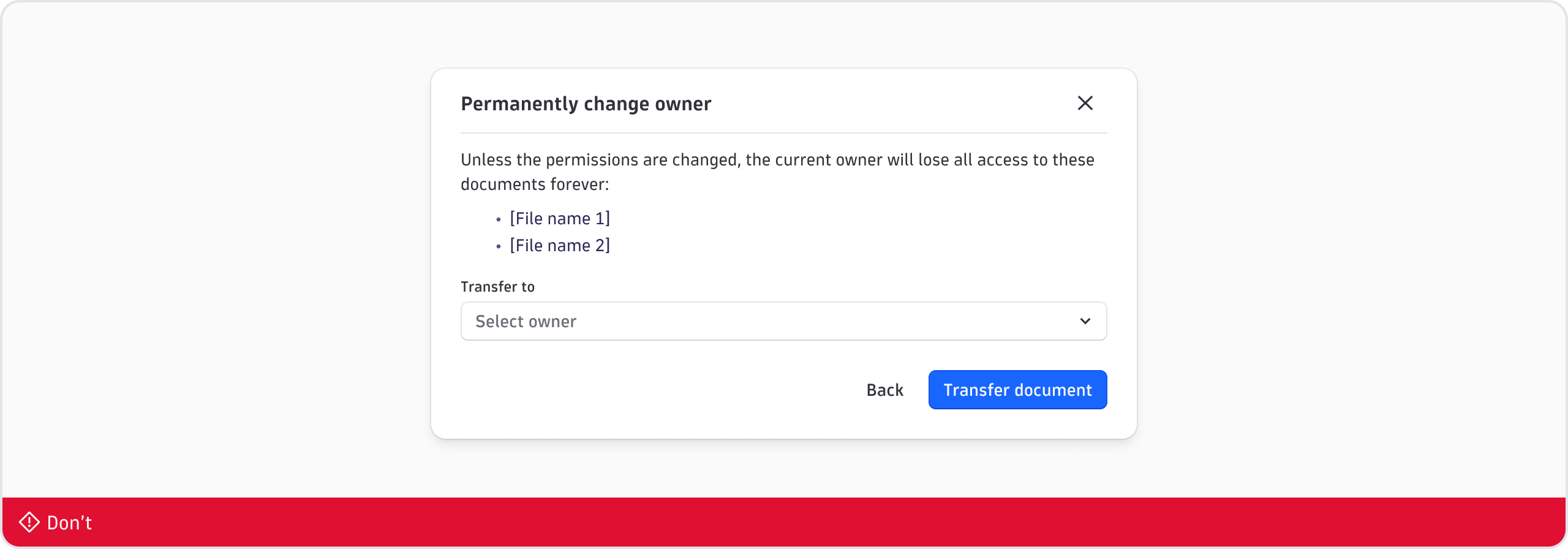
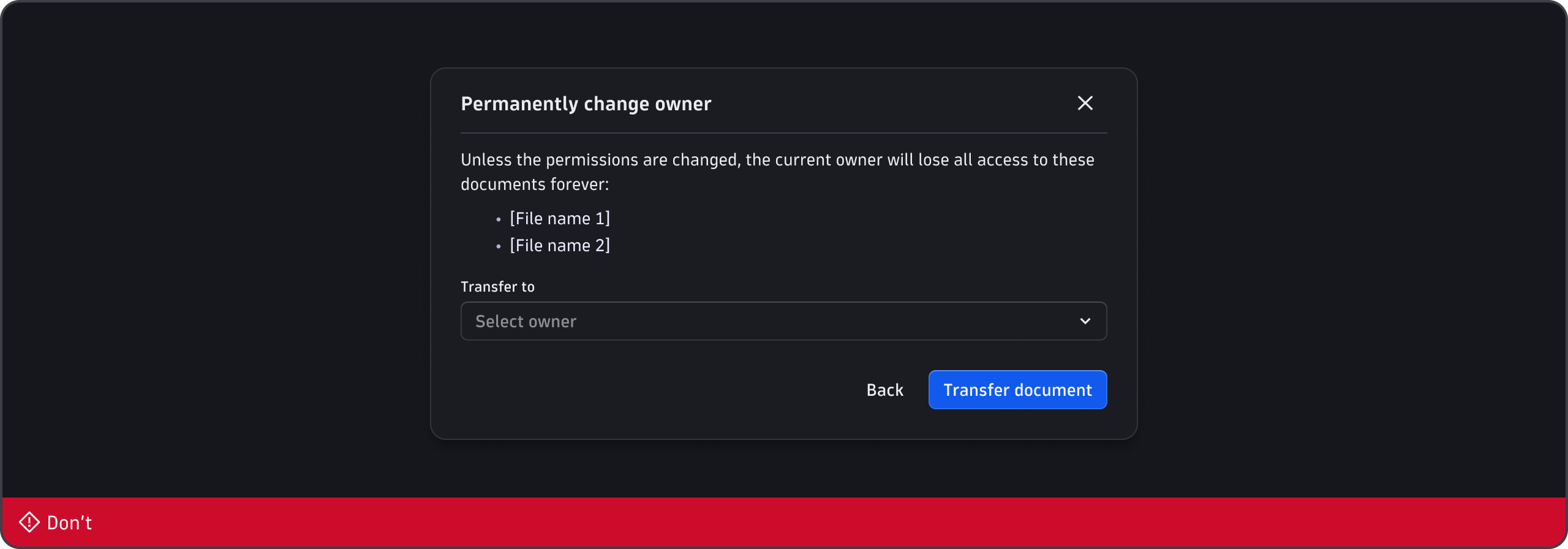
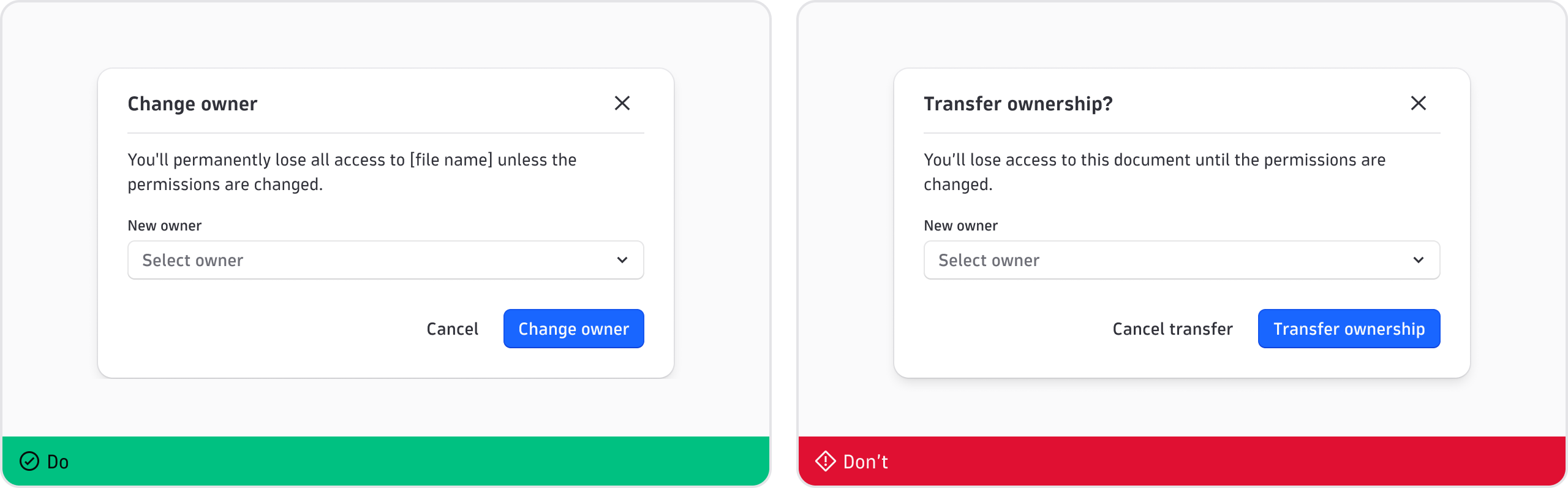
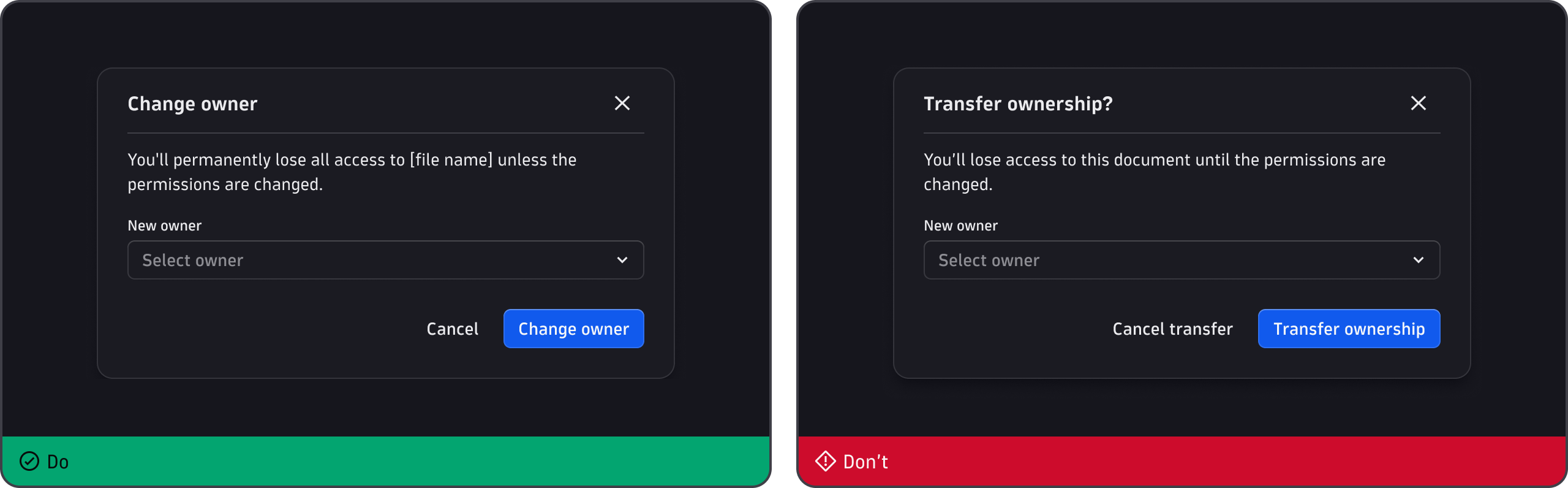
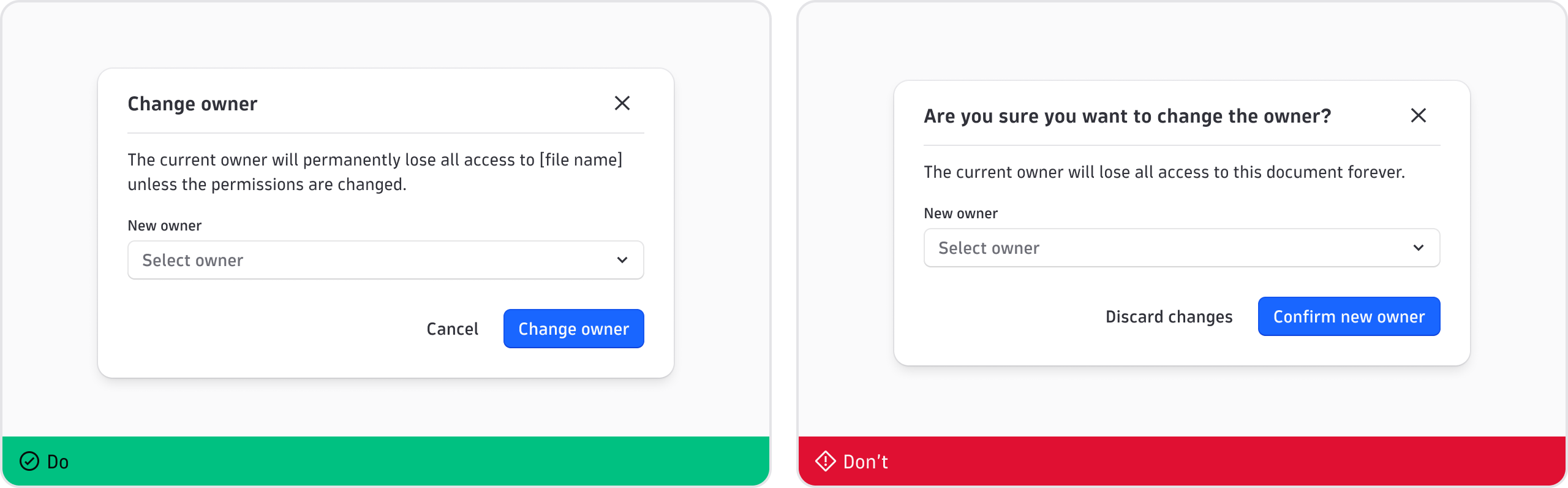
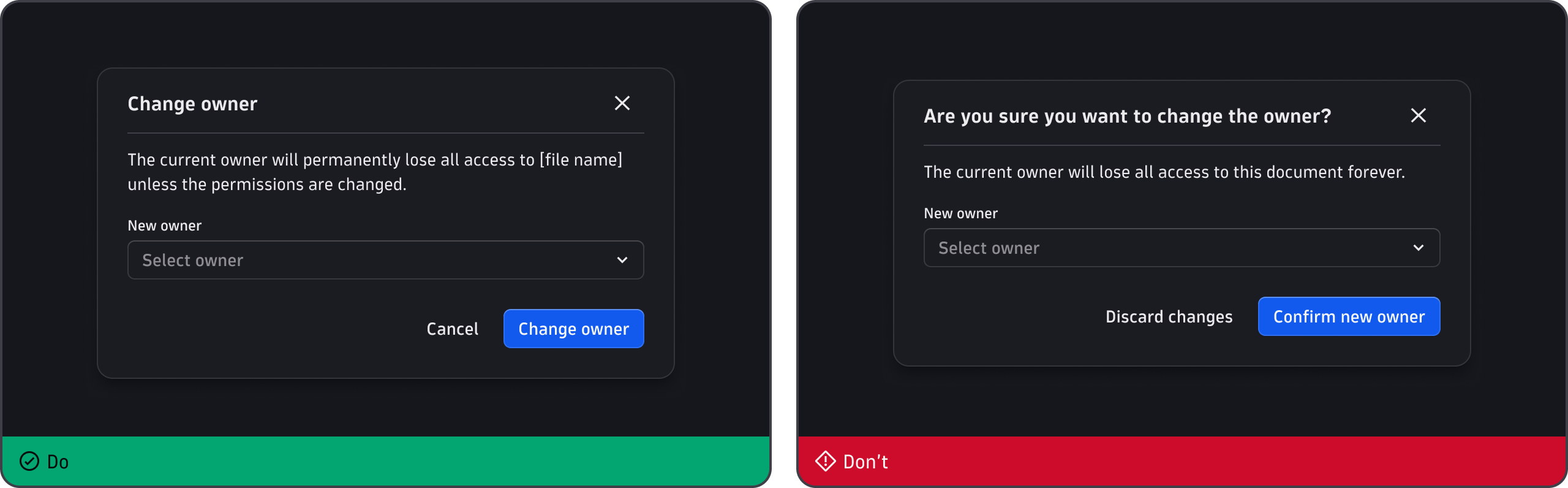
Change document owner
From within the document
From within a document manager - single document
From within a document manager - multiple documents