Link
Use the Link component for navigational purposes within an app or view, such
as navigating to another page in the same Dynatrace environment.
When to use
- For navigational purposes only. Use for links that navigate to another page or view within the current app and open in the same tab.
When not to use
- To continue a user flow in another Dynatrace app. Use IntentButton instead and read about intents.
- To navigate to a resource outside the current app (another environment, a Dynatrace site such as docs.dynatrace.com, or a third-party domain). Use ExternalLink instead, which always opens in a new tab.
- To trigger actions or events. Use Button instead, even in those rare cases when a button serves a navigational purpose — for example, to align visually with surrounding actions, or for "Next" and "Previous" in a guided user flow.


Content guidelines


- Link text (required)
A link can be inline or standalone:
- Inline links sit within a sentence or paragraph, usually for further reading or to provide additional context. They are commonly used in documentation.
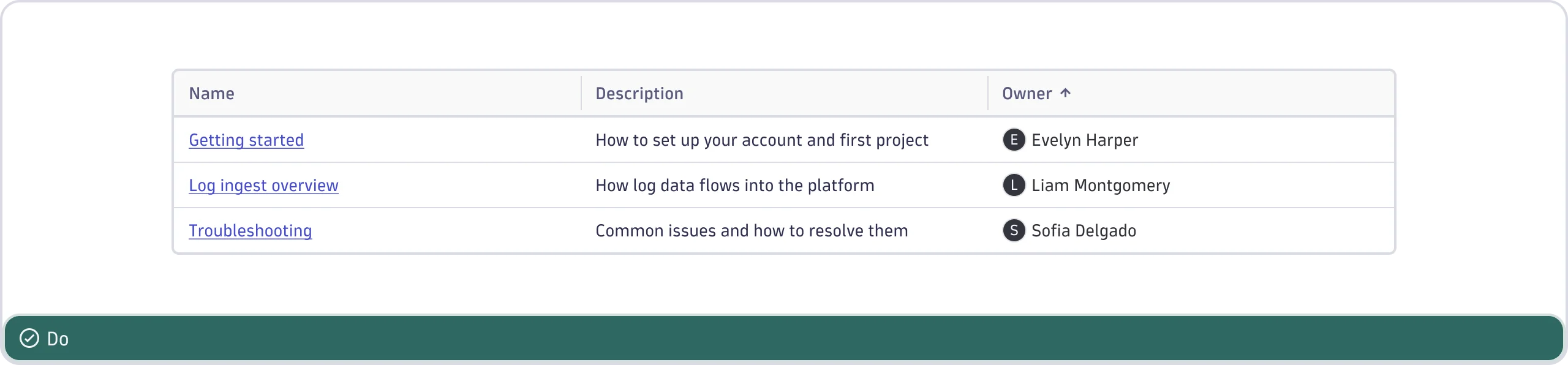
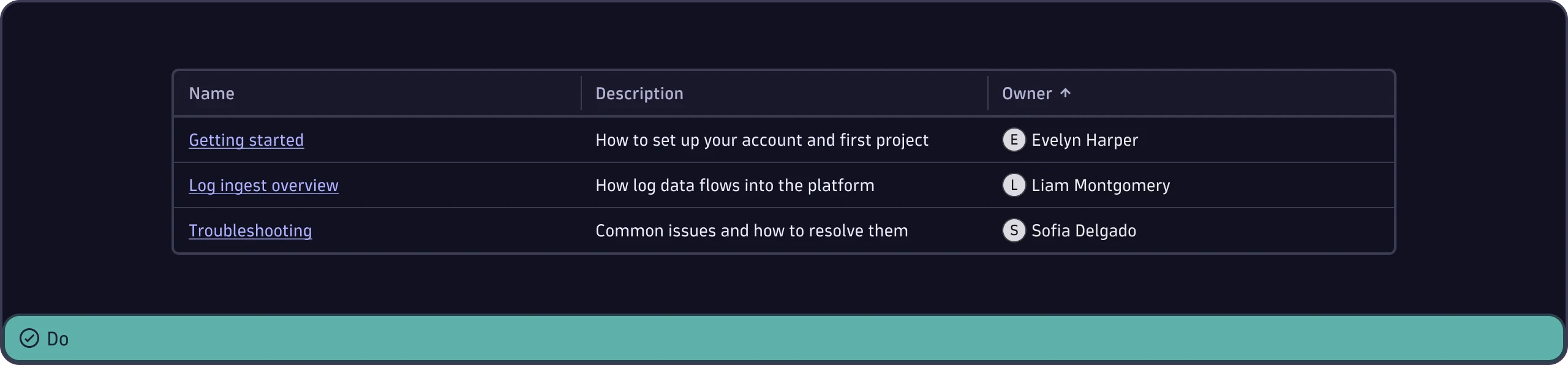
- Standalone links appear on their own, separate from surrounding text. For example, a host or a segment name shown on its own within a table.
Link text
- Describe the destination using words from the target page or view name, so the link text makes sense on its own. Avoid generic link text such as "here", "this page", or "more".
- Use patterns such as "Learn more about [topic]" or "For details, go to [page title]".
- Use "go to [page title]" for required reading and "visit" or "see [page title]" for optional content.
- Link only the destination text, not the whole sentence.
- If a link closes a sentence, keep the period outside the link so it isn't part of the underlined text.
- Give each link unique text. Don't reuse the same link text for different links on the same page.
- Use sentence case (capitalize only the first word and any proper nouns, such as brand names).
- Don't add icons to internal links. Links are already distinguishable because they're underlined and blue.
- Use inline links sparingly. Too many links clutter a view and make it harder for users to find their next step.


For further guidance, see Link text in the Dynatrace Content Style Guide.