App building tutorial
- Tutorial
- 1-min read
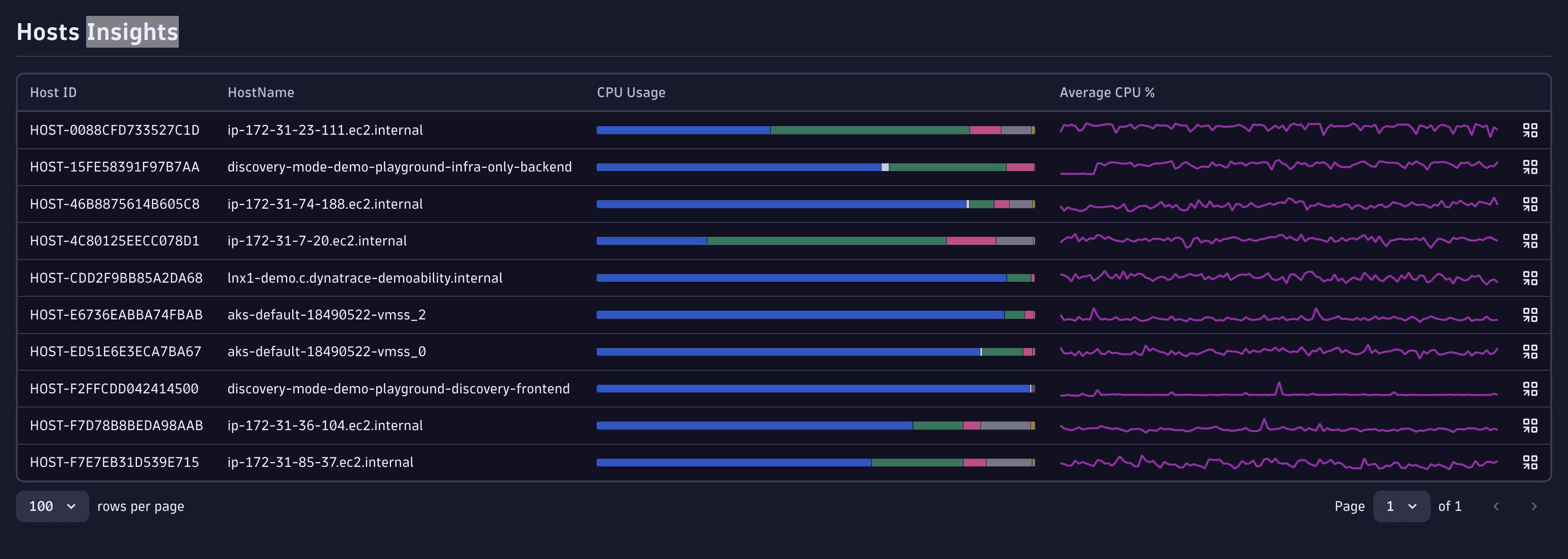
Continue developing your app-building skills by creating a fully-functional app with the Dynatrace platform and its capabilities. The app you'll build in this tutorial displays a table with a list of hosts queried from Grail and shows additional information about these hosts through visualizations. From that table, you'll drill down into another app to investigate a host, and pull in data from an external service to round out the picture.
What you'll learn
In this tutorial, you'll learn how to:
- Access data from Grail
- Create exciting visualizations for different types of data
- Exchange data with other apps
- Access external data
And here's what the final app will look like:
Before you start
You should have a basic understanding of React and TypeScript to do this tutorial manually. See Learn React and Learn TypeScript to brush up on those. Alternatively, see Build apps with AI to build your Dynatrace App with AI—no React or TypeScript knowledge needed.
To continue this tutorial, head to the Create a new app page, and let's begin.