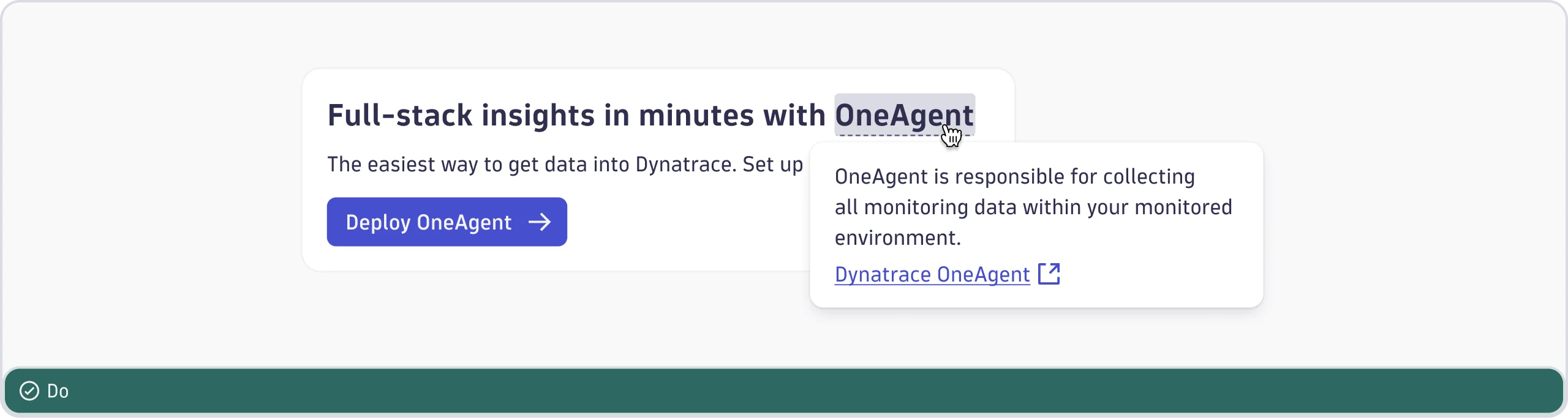
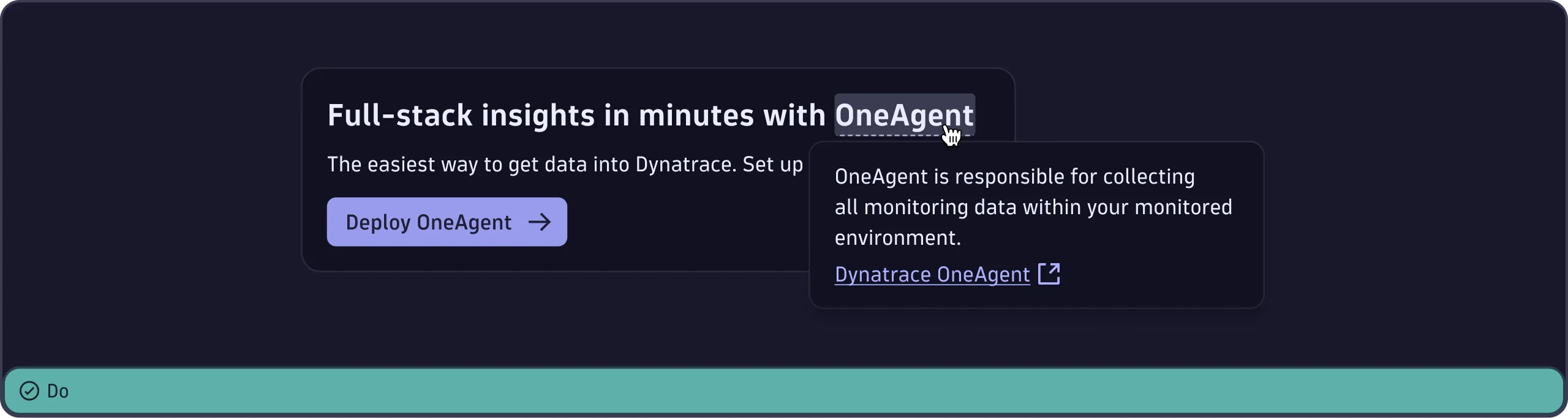
TerminologyOverlay
Use the TerminologyOverlay component to define or explain unusual or technical
terms in the UI.
When to use
- To provide a definition or explanation of the meaning of an unusual or technical term.
- To provide easy access to a definition, along with optional learning resources, without cluttering the interface.
When not to use
- For information other than a definition or explanation of a term. Instead, use InformationOverlay.
- For short messages, such as action names. Use Tooltip for these.
- If most users understand the term.
- If the definition is critical to the user's task and should always be visible. For this, use inline text.
Content guidelines


- Term (required)
- Details (required)
General guidelines
- Use sentence case (capitalize the first word and any proper nouns, including brand names).
- Write any Dynatrace terminology exactly as shown in our Style Guide.
- Keep to 1-2 sentences, or less than 50 words.
- Put a period at the end of any sentence.
- Don't include headlines or buttons.
- Use plain, simple English to define terms. Check the Dynatrace glossary to see if a definition already exists there. If so, reuse it.
- If additional documentation would help users, provide a descriptive link.